Insphere AI
An enterprise AI agent platform, designed from zero and built end to end.
Insphere lets companies configure their own AI agents over their own knowledge, then deploy them into the tools their teams already use. I was the sole product designer from the first sketch, and I led the front-end build of both the marketing site and the platform.
Role
Sole product designer, front-end lead
Client
Insphere AI
Timeline
2024
Platform
Web app, marketing site
Live
Visit site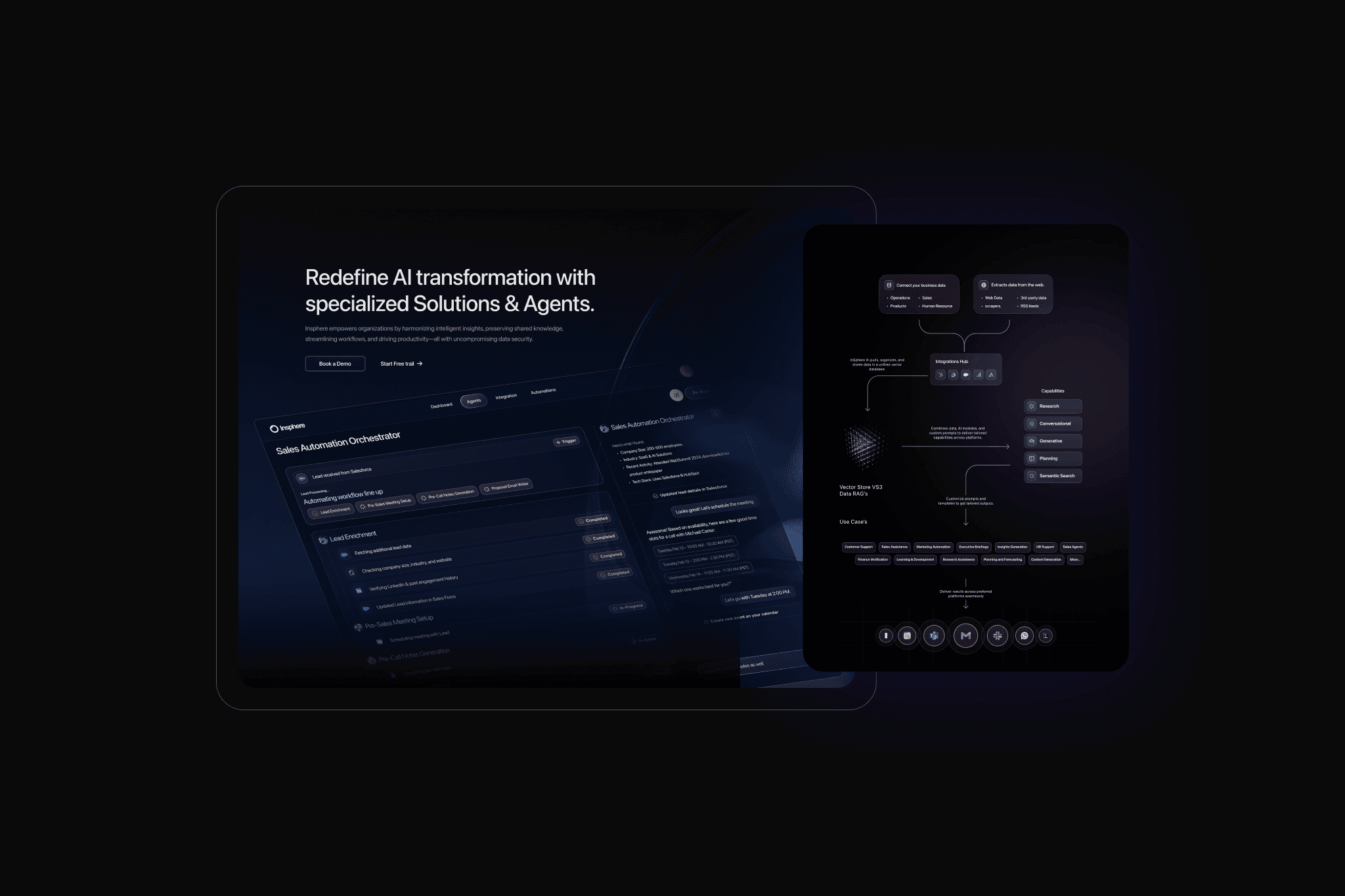
0 to 1
Sole designer from the first sketch to launch
3
Agent types on one configuration model
3
Enterprise channels: Slack, Teams, WhatsApp
Context
Insphere's pitch is intelligent automation made simple: give an enterprise its own AI agents, trained on its own documents, without a data science team. The buyers are decision makers in finance, sales and operations who are sceptical of AI and protective of their data.
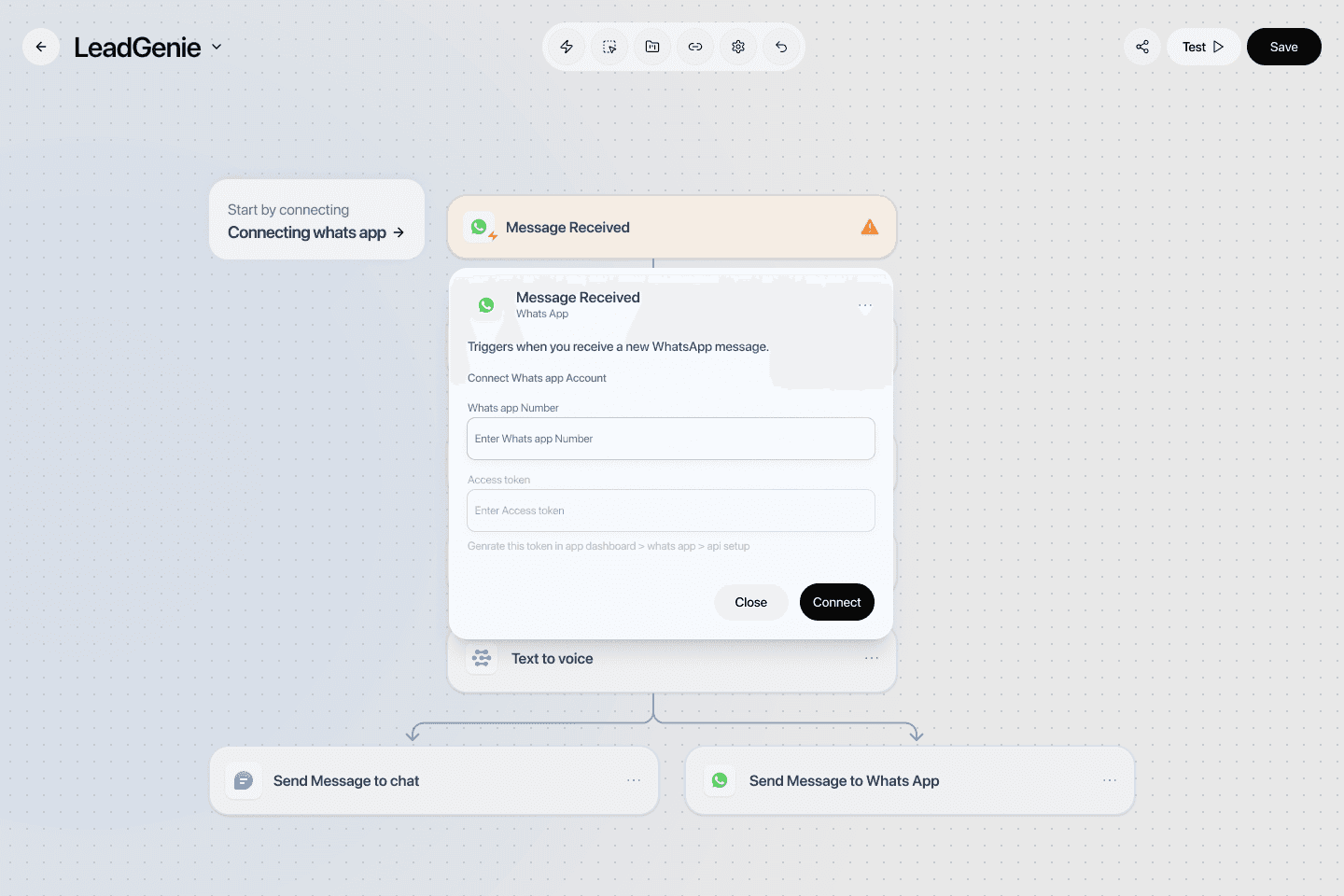
The brief had two halves. A website that could explain the product to a non-technical buyer and turn interest into demos, and a platform where a business user could create, configure and monitor agents without help.
Research
The work began with an in-depth research phase: Insphere's business goals, target users and industry positioning. Because the vision was to empower enterprises with AI-driven automation, I ran competitor benchmarking and user interviews to understand what decision makers in finance, sales and operations actually expected.
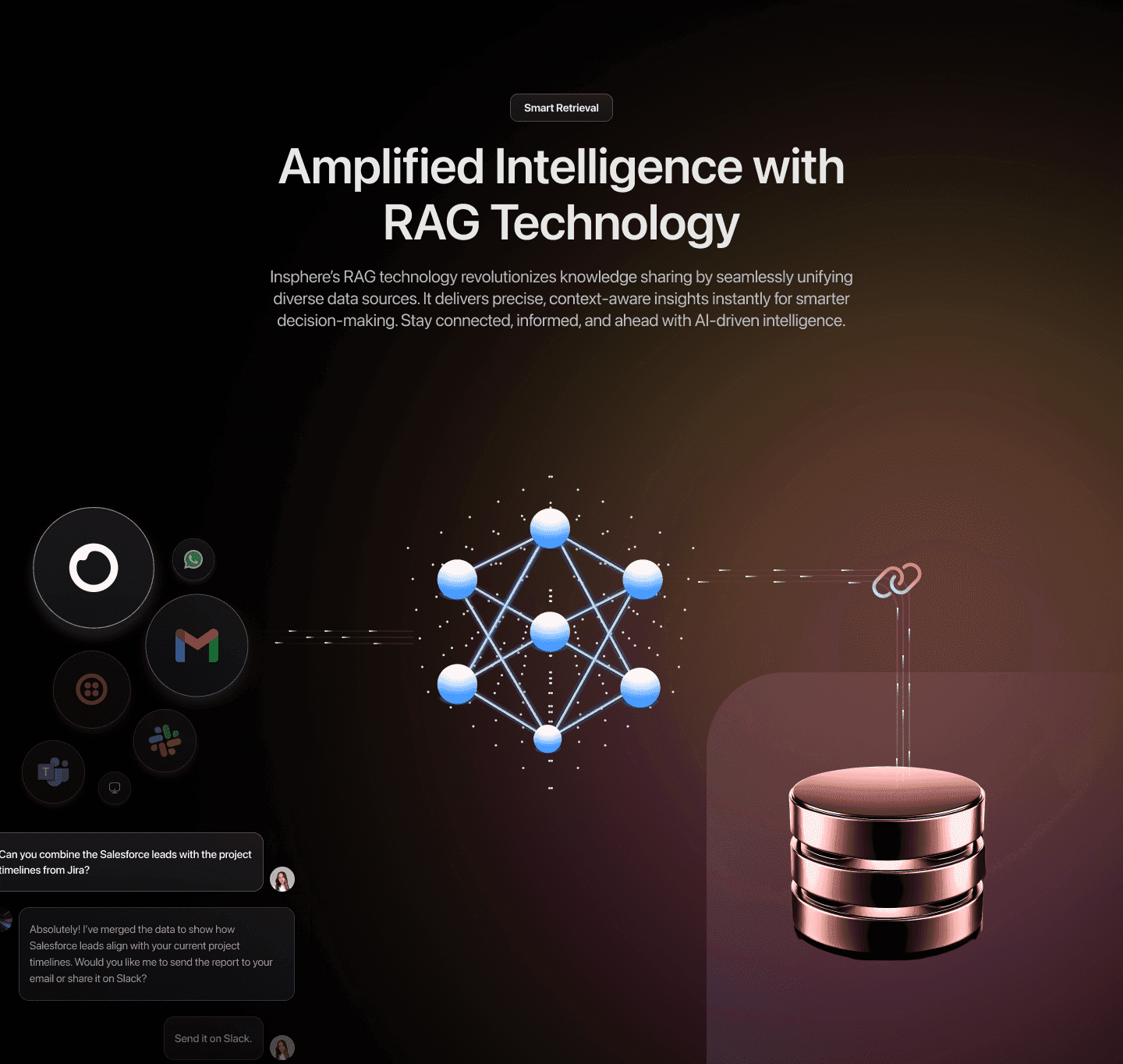
The pain points clustered around three things: efficiency, trust, and whether the product would work with the tools already in place. Those three became the product strategy, and they shaped both the website narrative and the platform's information architecture.
Design decisions
- One configuration model for every agent. Conversational, generative and document-processing agents all start with a name, a description, a model choice and a knowledge base. Learn one, and you know the others.
- Trust made visible. The interface shows what an agent was given and what it used, so a business user can see why an answer came out the way it did instead of taking it on faith.
- Progressive complexity. Templates, output formats and instructions are optional layers on top of a two-minute setup, so a first agent ships fast and a serious one can still be tuned.
- The website leads with outcomes, not models. Buyers were not asking which LLM was behind it; they were asking whether it would sit safely inside their stack.
Build
I led the front-end development of both the website and the platform, translating the design into responsive, accessible code with reusable components and attention to load time and cross-browser behaviour.
On the platform side that meant integrating the APIs behind the agents and working directly with backend engineers on data architecture. Owning the build is what kept the design honest: the states that get skipped in a handoff, empty knowledge bases, failed uploads, agents mid-training, all had to be designed because I was the one rendering them.
Outcome
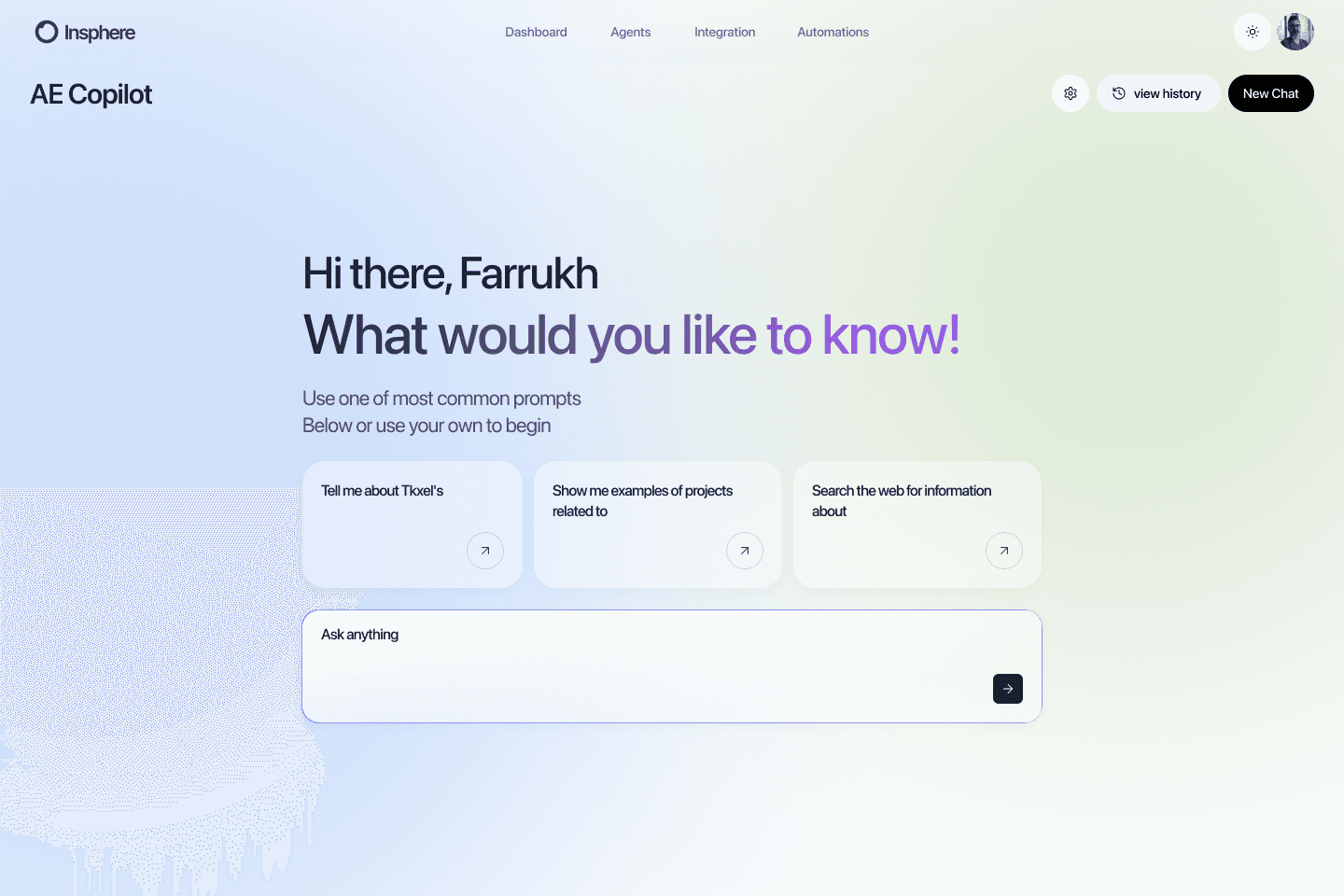
The product shipped from zero with three agent types, an analytics view of agent usage and effectiveness, and deployment into Slack, Microsoft Teams and WhatsApp. It has since been deployed with enterprise customers across several industries.
What I took from it
In AI products the interface's job is to show what the system understood, not just what it produced. A confident answer built on a misread input is the failure mode to design for, and surfacing the inputs above the output is the cheapest way to catch it.